
Google Drive Users Alert: Photo Backup Feature Is Ending Soon – Here’s How to Save Your Memories

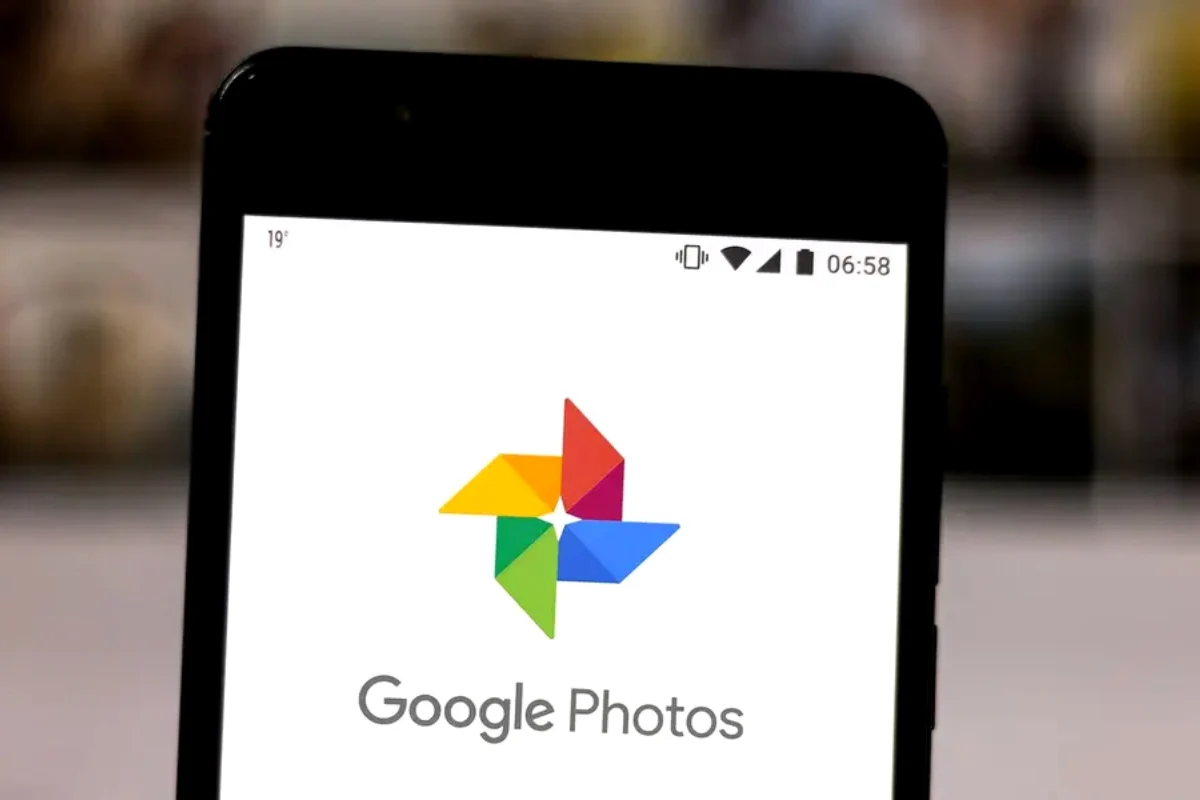
Google Photos adds voice control for image editing
Google will end support for automatic photo backups through Google Drive’s desktop app on August 10, 2026, requiring users who rely on this feature to switch their backup method before the deadline.
The desktop app has been unable to set up new backup folders since June 15, with in-app reminders prompting users toward the change ahead of the full cutoff.
For years, Google Drive’s desktop app let users send photo folders directly to Google Photos alongside regular file syncing — a convenience that let people treat their computer’s photo folders as an automatically backed-up archive without separately managing uploads through Google Photos itself. After August 10, that direct connection disappears entirely, meaning any photos added to previously synced folders won’t upload to Google Photos automatically once the deadline passes.
Existing sync folders will continue functioning in the short term, but Google is phasing the feature out entirely rather than maintaining it alongside newer backup options. Importantly, nothing already stored in Google Photos will be deleted or affected — the change only affects how new photos move from a desktop computer into cloud storage going forward, not previously uploaded content.
For users who’ve relied on this connection as a long-running digital archive — accumulating years of photos organized by folder without much active management — the transition requires deliberate action rather than continuing passively. Google recommends checking current backup folders directly in Google Photos, either through the web interface or mobile app, and then configuring backup settings within Google Photos itself rather than through the Drive desktop app.
One practical pitfall worth avoiding: syncing the same folder through both Google Drive and Google Photos simultaneously can create duplicate files, consuming twice the Google One storage allocation for identical content — an outcome that could push users toward unnecessary paid storage upgrades if left unaddressed. Reviewing backup folder configuration before the deadline, rather than after, helps sidestep this overlap issue entirely.
This shift reflects Google’s broader consolidation of its photo backup functionality specifically within the Google Photos app rather than spreading the capability across multiple products, a pattern consistent with how the company has periodically streamlined overlapping features across its productivity and storage ecosystem. Users who take no action before August 10 won’t lose existing cloud-stored photos, but will need to find an alternative method for any future automatic backup of new photos from their computer, since the previously convenient background sync won’t resume on its own.
Catch all the Technology News, Breaking News Event and Trending News Updates on GTV News
Join Our Whatsapp Channel GTV Whatsapp Official Channel to get the Daily News Update & Follow us on Google News.
Must Read

Pakistan
Development Activities Continue Under Balochistan Special Development Initiative
10-October،2026