

Google Password Manager Passkey Attacks Could Allow Malware to Hijack Protected Accounts

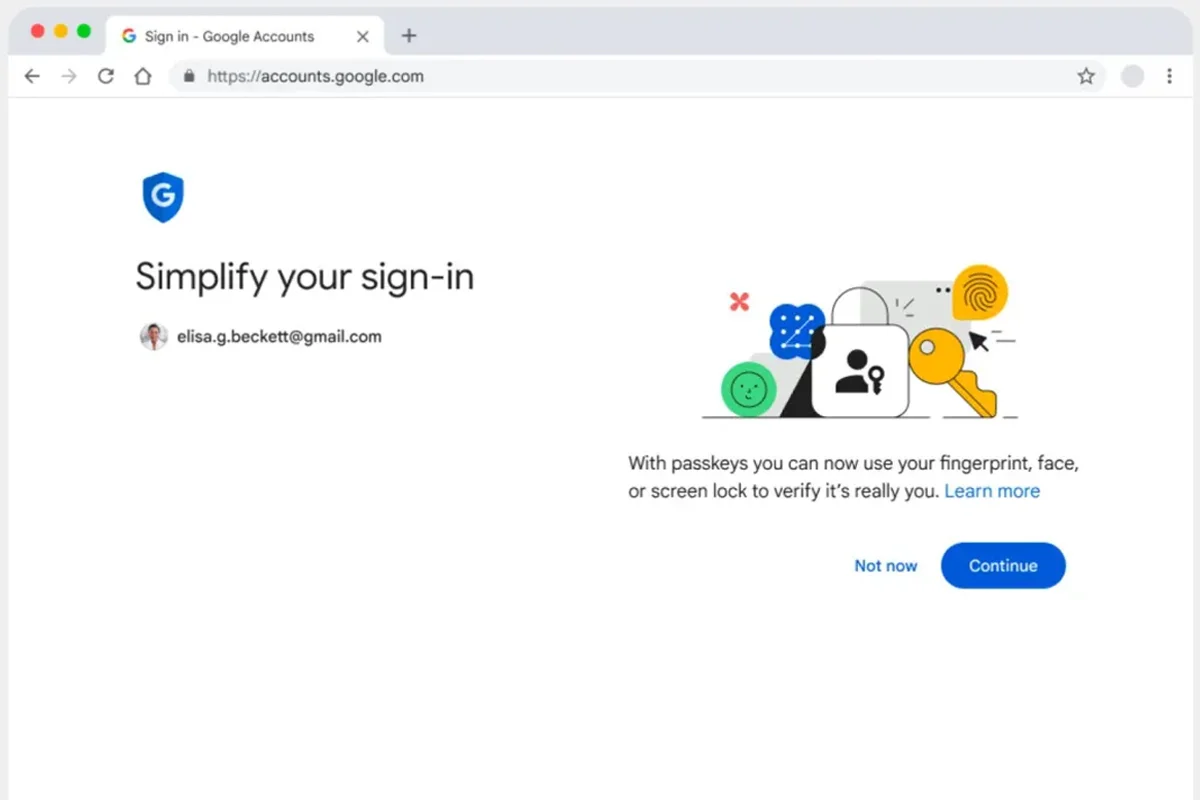
Security researchers have revealed attack techniques that could allow malware already running on a Windows device to access accounts protected by passkeys stored through Google Password Manager — without requiring a victim’s fingerprint, PIN, or any visible confirmation.
Researchers from Unit 42 identified three attack methods targeting Chrome’s Google Password Manager cloud authenticator, naming them Pass-ta-key, Silver Pass-ta-key, and Golden Pass-ta-key. The most serious technique targets the master security key responsible for protecting synced passkeys.
The researchers emphasized that these attacks do not break passkey encryption itself. Instead, they exploit weaknesses in the surrounding systems, including how Chrome manages device keys, restores device access, and how websites verify whether a user was actually present during authentication.
Three Attack Methods Target Google Password Manager
According to the research, the three techniques could allow attackers to:
- Obtain valid authentication responses without user interaction
- Add attacker-controlled verification keys
- Extract the 32-byte Security Domain Secret (SDS), which protects synced passkey private keys
The researchers said the final two methods could potentially provide attackers with continued access from their own systems after gaining initial control of a victim’s device.
However, the report did not confirm any active exploitation in the wild and did not provide CVE identifiers, affected Chrome versions, or a complete list of fixes.
How the Attack Begins
The attack requires malware to already exist on the victim’s Windows computer. It is not a method for remotely infecting devices.
Researchers explained that attackers first perform local reconnaissance to identify stored passkey information. Chrome stores synchronized credential data inside local profile files, where malware running with normal user permissions may access metadata linked to passkeys, usernames, credential IDs, and encrypted key material.
Pass-ta-key: Bypassing User Verification
The first attack method, Pass-ta-key, targets Chrome’s device identity key.
Researchers said malware can extract a protected device key and use Windows cryptographic services to generate authentication requests. The resulting authentication assertion may be valid, but without the User Verified (UV) flag that confirms biometric or PIN verification.
Web Authentication standards require websites to reject authentication attempts without this verification when user verification is set as mandatory.
According to Unit 42, some platforms correctly enforced this requirement, while another service reportedly accepted test assertions until it fixed the issue after disclosure.
Silver Pass-ta-key: Replacing Verification Keys
The second method, Silver Pass-ta-key, focuses on Chrome’s device re-enrollment process.
Researchers said malware could force Chrome to register a new device verification key and potentially replace the original one with an attacker-controlled key before security checks are completed.
If successful, attackers could generate authentication responses carrying a valid user verification flag and later access accounts without needing the victim’s device.
The researchers recommended stronger hardware verification and attestation checks during key registration to reduce this risk.
Golden Pass-ta-key: Targeting the Master Security Secret
The most serious technique, Golden Pass-ta-key, targets the Security Domain Secret (SDS).
According to Unit 42, malware could trigger re-enrollment, capture the secret while it temporarily exists in Chrome’s memory, and use it to decrypt synchronized passkey private keys.
The SDS acts as a master protection layer for synced passkeys, meaning exposure could allow attackers to recover credentials outside the original device.
Researchers noted that Google previously removed certain SDS information from Chrome logging, but they said this does not necessarily prevent memory-based attacks.
No Evidence of Active Exploitation
The research does not confirm that these techniques are currently being used by cybercriminal groups.
Security experts noted that these are post-compromise attacks, meaning attackers must already have control of the victim’s computer before attempting account hijacking.
A search of public vulnerability databases did not show matching CVE records for the three named techniques as of August 3, 2026.
Security Recommendations for Users and Companies
Researchers advised websites and authentication providers to strengthen passkey security by:
- Requiring proper user verification checks
- Confirming the UV flag during authentication
- Using stronger device registration protections
- Adding hardware-based verification for newly enrolled keys
- Protecting sensitive passkey data from unnecessary exposure
For users concerned about possible compromise, security experts recommend reviewing account activity, removing unknown devices, and following official Google Password Manager security guidance.
The findings highlight that while passkeys provide stronger protection than traditional passwords, their security also depends on how browsers, devices, and online services implement and manage authentication systems.
Catch all the Technology News, Breaking News Event and Trending News Updates on GTV News
Join Our Whatsapp Channel GTV Whatsapp Official Channel to get the Daily News Update & Follow us on Google News.
Must Read