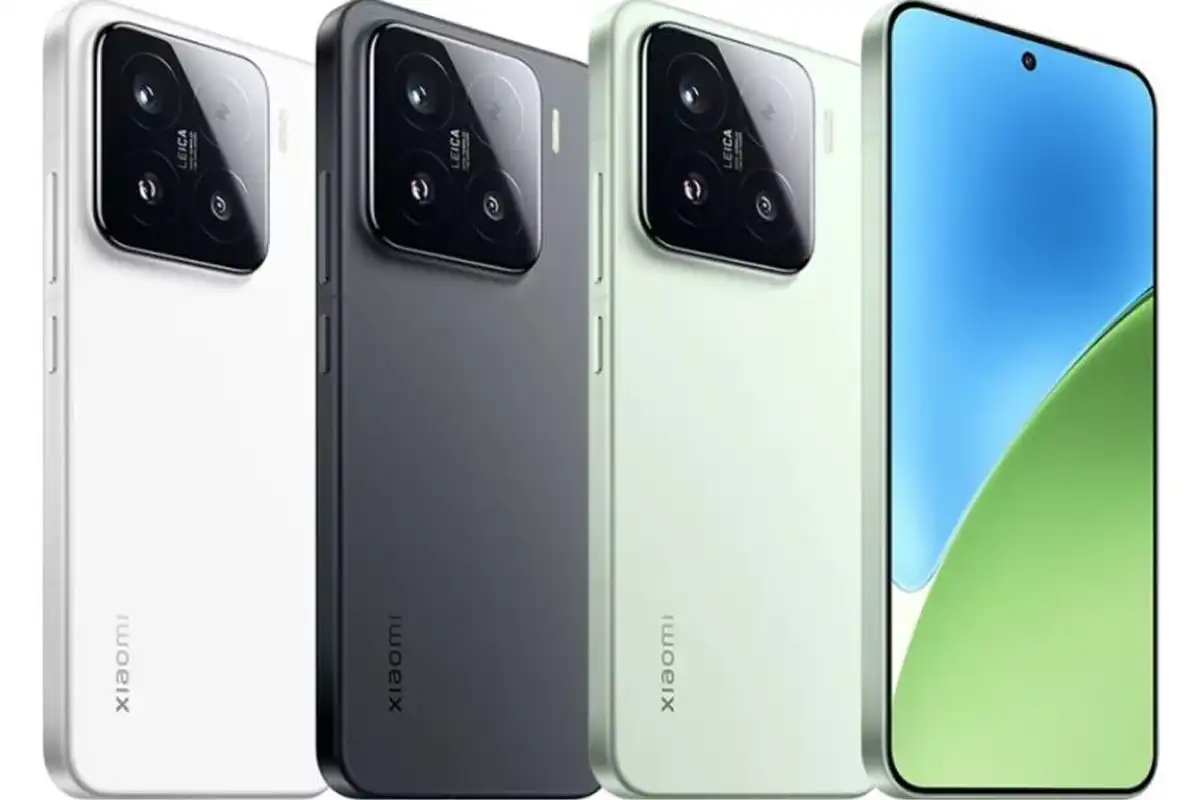

How to check whether your phone supports 5G services? Here’s a Details

Web Desk
20 March, 2026 08:35
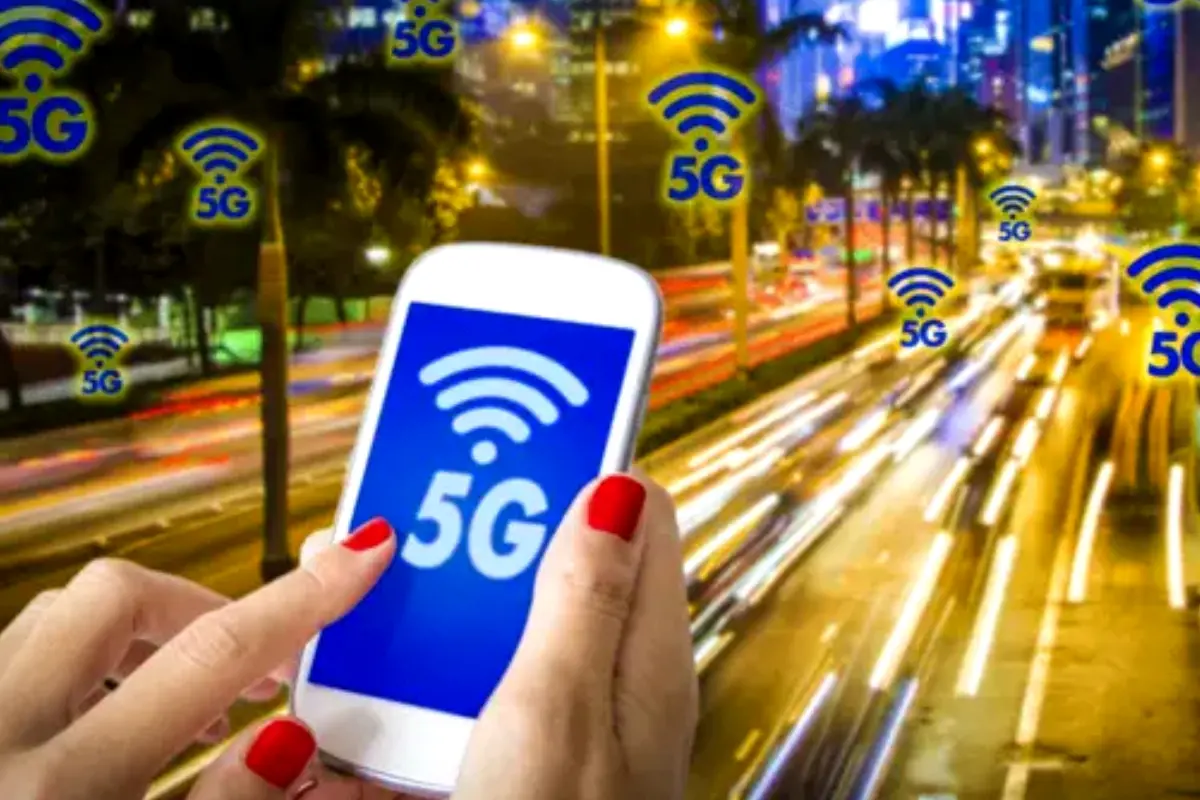
How to check whether your phone supports 5G services? Here’s a Details
ISLAMABAD: Pakistan is preparing to launch 5G services from Eid ul Fitr 2026. Many users want to know if their phones support 5G.
To use 5G, your phone must support the required hardware and network bands. Below are simple ways to check your device.
Check Phone Settings
Go to your phone Settings. Then open Mobile Network or Connections.
Look for options like:
5G / 4G / 3G
5G Auto
5G Only
If you see these options, your phone likely supports 5G.
If your phone only shows 4G/LTE, it does not support 5G.
Check Phone Model Online
Go to Settings > About Phone and find your model number.
Search this model on the official brand website or platforms like GSMArena.
Check the network section to confirm 5G support.
Check Using IMEI Number
Dial *#06# on your phone to get your IMEI number.
Use an IMEI checking website to see if your phone supports local 5G bands in Pakistan.
Some phones support 5G but may not work with local networks.
Look for 5G Signal Icon
When 5G is available, a 5G icon will appear on your phone screen.
If you do not see the icon, it may be due to:
No 5G coverage in your area
Network limitations
Update Your Phone Software
Sometimes 5G works after a software update.
Go to Settings > Software Update and install the latest version. This may enable 5G features.
Catch all the Mobile News, Breaking News Event and Trending News Updates on GTV News
Join Our Whatsapp Channel GTV Whatsapp Official Channel to get the Daily News Update & Follow us on Google News.
Must Read