
Inbox Zero for 2026: How to Free Up 15GB of Gmail Storage Without Deleting a Single Email

Web Desk
31 December, 2025 12:55
Inbox Zero for 2026: How to Free Up 15GB of Gmail Storage Without Deleting a Single Email
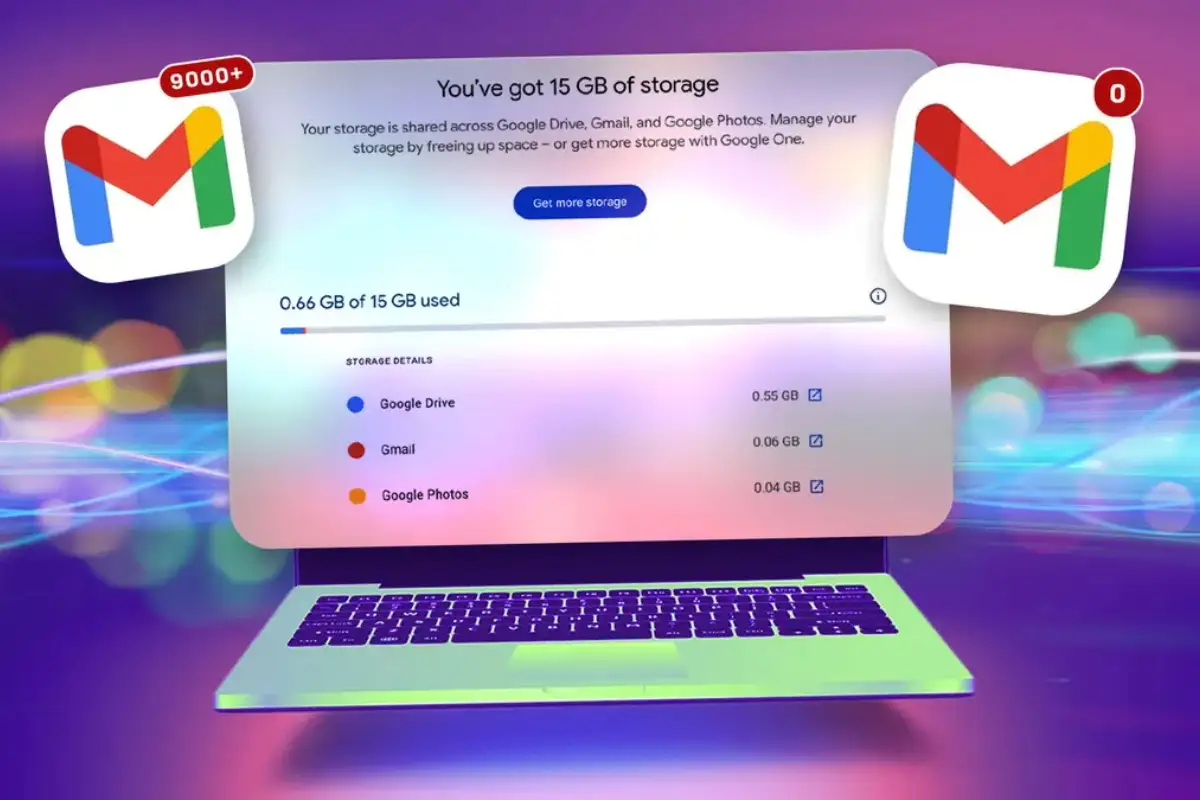
As the new year begins, millions of Gmail users are facing the familiar challenge of overflowing inboxes. But achieving inbox zero in 2026 doesn’t require deleting important emails or paying for additional storage. A practical solution allows users to free up to 15GB of Gmail storage without losing any messages.
The method involves creating a second Gmail account to serve as an archive. “There’s no restriction on the number of free Google accounts you can own,” making it possible to transfer all existing messages to the new account and free up space in the primary inbox. This approach is particularly useful for students or employees whose school or business accounts may be deactivated, ensuring important emails remain accessible.
Before transferring, users should back up emails using Google Takeout. The process can take several hours or even days depending on the number of messages. To transfer emails, users must enable POP access in their original account, create a new archive account, and import emails via the “Accounts and Import” tab. For some accounts, Google app passwords may be required to complete the transfer.
After syncing, Gmail moves all transferred emails to the Trash in the original account, which must be emptied manually. Drafts and spam messages are not transferred automatically. Once complete, the primary Gmail account can enjoy inbox zero, with storage usage reduced dramatically.
Users are advised to keep the archive account active by logging in at least once every two years, as Google deletes accounts inactive for over two years. With this method, Gmail users can start 2026 with a clean inbox and 15GB of free storage without deleting a single important email.
Catch all the Technology News, Breaking News Event and Trending News Updates on GTV News
Join Our Whatsapp Channel GTV Whatsapp Official Channel to get the Daily News Update & Follow us on Google News.
Must Read