
How to activate biometric verification in NADRA PakID for passport and banking services?

How to activate biometric verification in NADRA PakID for passport and banking services?
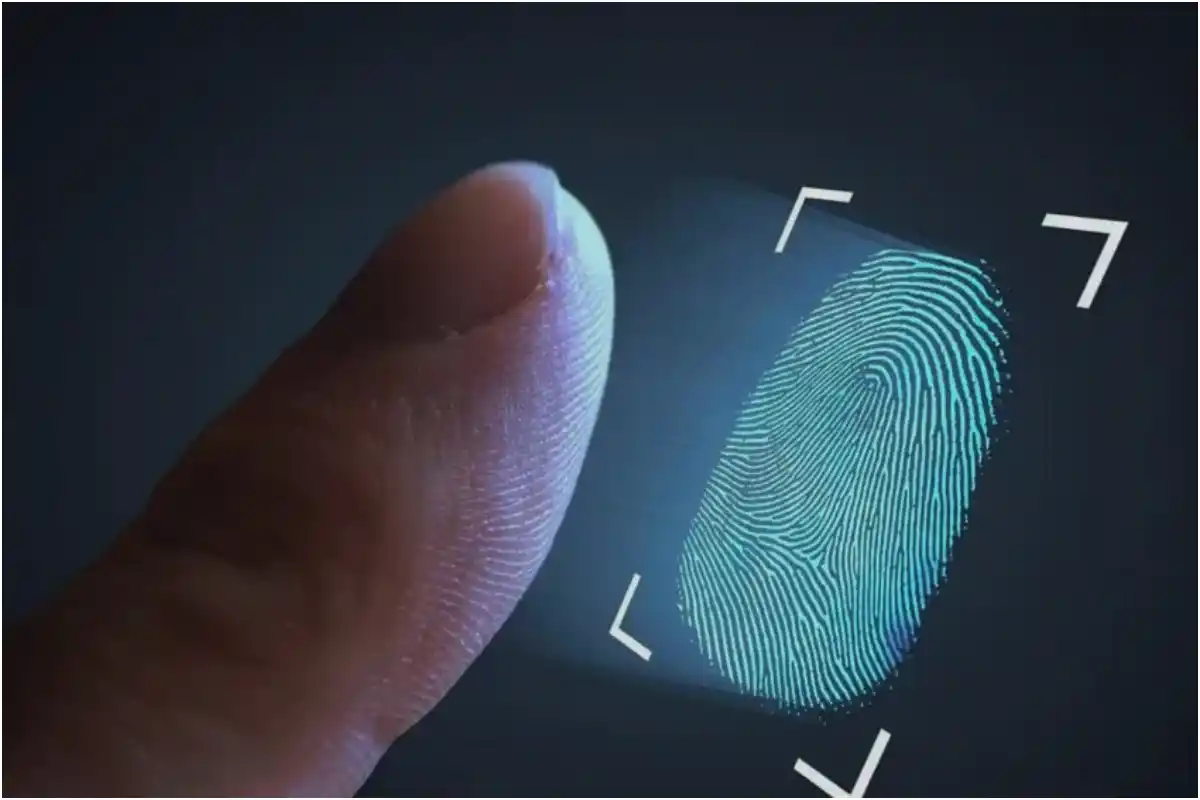
The National Database and Registration Authority (NADRA) has advised citizens to make sure that biometric verification access is enabled in the PakID mobile app before visiting any office or service point where identity verification is required.
According to authorities, users should check their app settings before going to places such as banks, passport offices, SIM franchise centers, and other institutions that rely on biometric authentication.
NADRA warned that if biometric access is not activated in advance, citizens may face delays, inconvenience, or difficulties during the verification process. People are being encouraged to confirm their settings at home to avoid unnecessary problems.
Earlier this year, NADRA introduced a new feature in the PakID app that allows users to control access to their biometric data.
The “Block Biometric Data Access” feature ensures that fingerprints or facial recognition cannot be used without the user’s permission. Officials said the purpose of this feature is to protect sensitive personal data and give full control to users.
To activate the feature, users need to log into the PakID app, go to “Profile Settings,” and select “Block Biometric Data Access.” In some cases, fingerprint or facial verification may be required to enable it.
Users can also temporarily disable the feature when biometric verification is needed and then turn it back on afterward for added security.
Catch all the Pakistan News, Breaking News Event and Trending News Updates on GTV News
Join Our Whatsapp Channel GTV Whatsapp Official Channel to get the Daily News Update & Follow us on Google News.
Must Read
Pakistan
PM Shehbaz Sharif met with the Crown Prince of Kuwait on the sidelines of UN General Assembly 2026
22-September،2026

Business
CHAIRMAN FBR HOLDS MEETING WITH LAHORE CHAMBER OF COMMERCE AND INDUSTRY AT LTO LAHORE
22-September،2026
Business
IMF program is a whole-of-government program, not a Finance Division program
22-September،2026